Gmail workspace for law firms
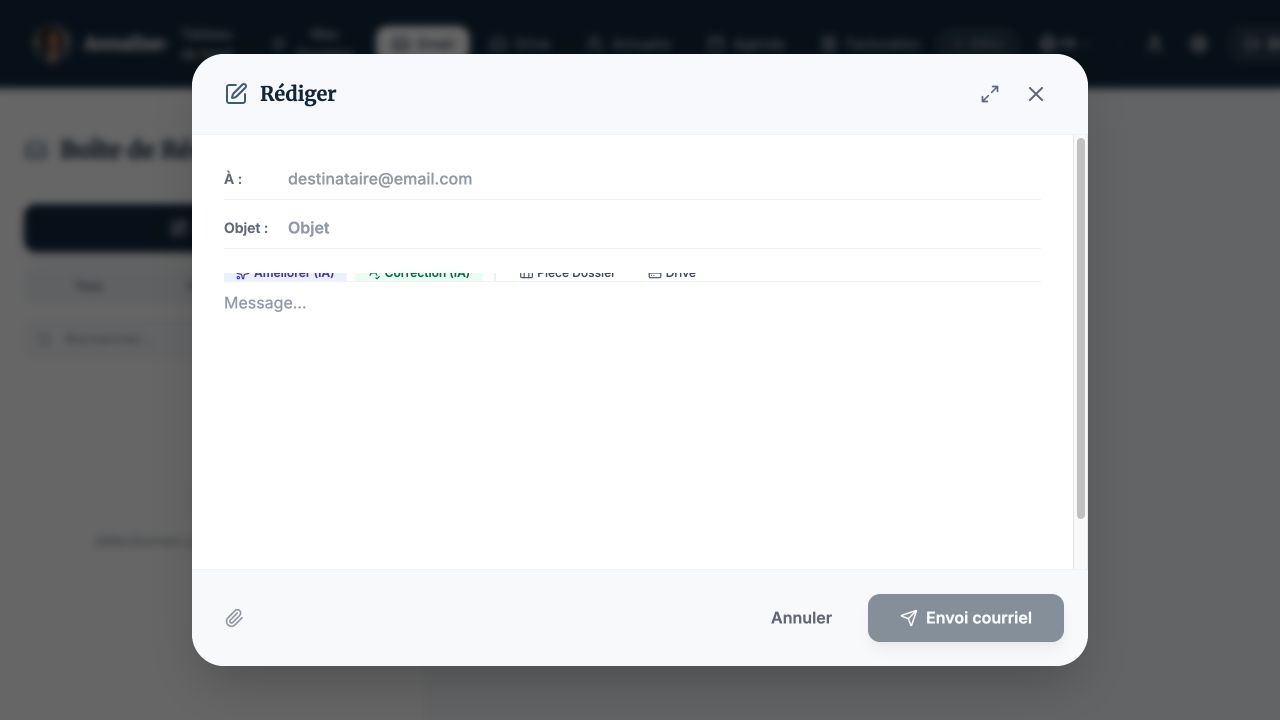
Review correspondence and prepare replies in your firm’s workspace. Assisted drafting and correction work alongside attachments selected from a case or Drive.
How to use it in your firm
- Connect Gmail using Google’s requested permissions.
- Select a message or compose an email with its recipient and subject.
- Review the text and attachments, then send it yourself.
A practical example
Reply to a client request with a case document attached and improve the wording before sending.